Draw one big idea
A monster, pet, robot or anything you invent. Leave a little space around it.
A little 3D magic for big imaginations
Draw a creature, robot or silly friend. With a grown-up, take a photo and watch it grow a front, sides and a back.
Make my drawing 3D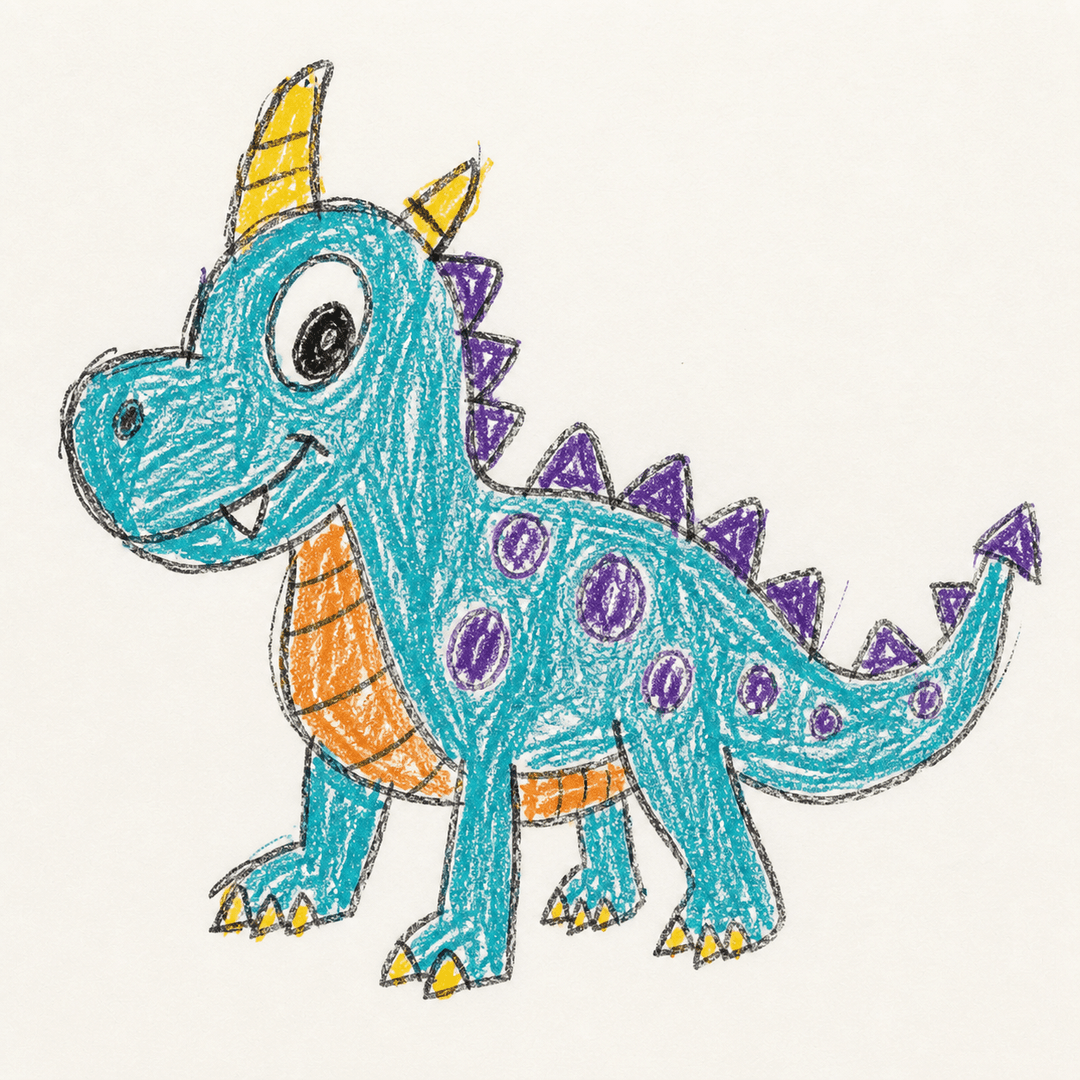
The 3D magic desk
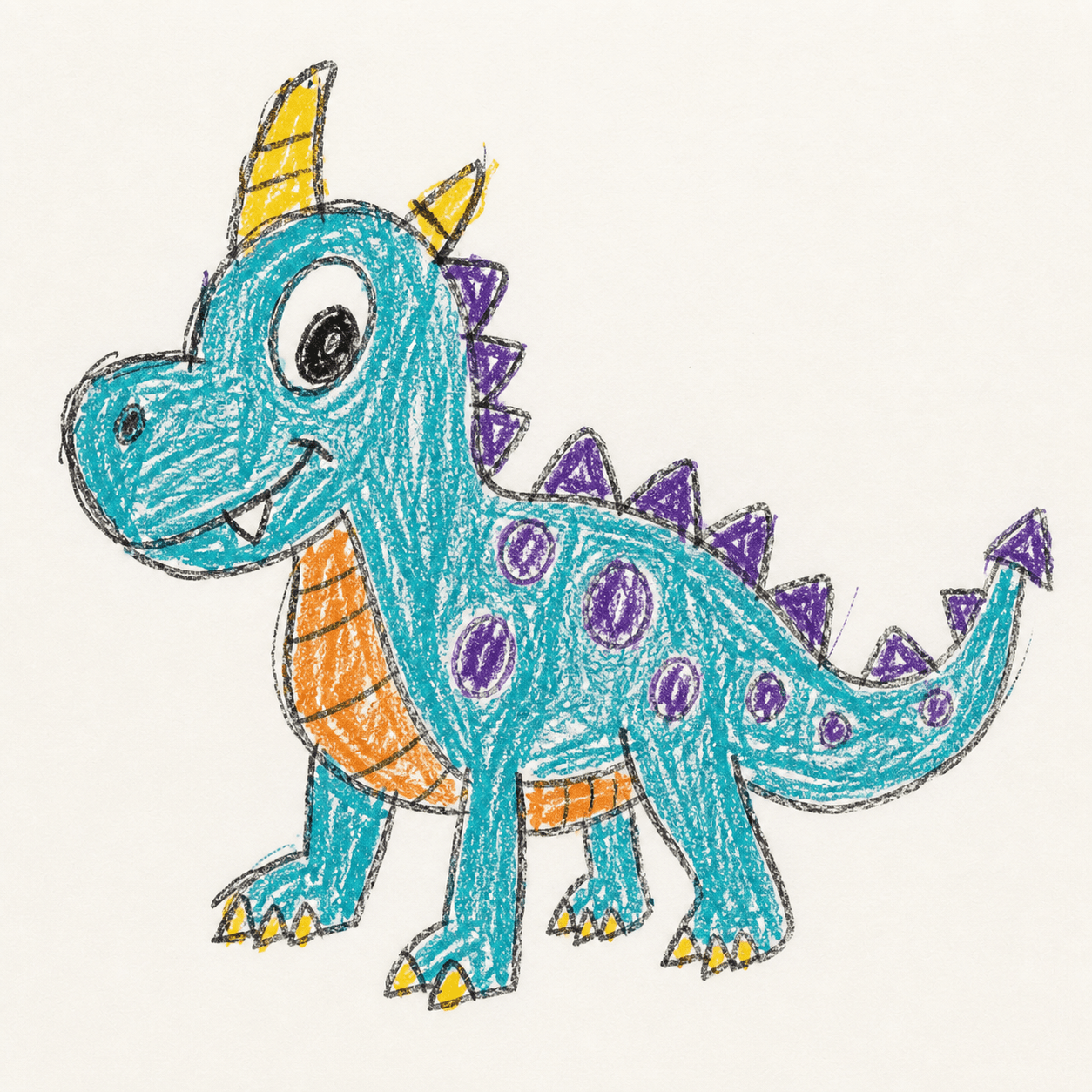
Try a doodle below, or choose a clear photo of your own drawing.
Grown-ups upload, please: keep faces, names, schools and other personal details out of the photo.
Three tiny steps
A monster, pet, robot or anything you invent. Leave a little space around it.
Put the paper flat, keep hands and shadows away, and ask a grown-up to upload it.
Watch the drawing become a 3D shape, turn it around, then save it or add colors.
Secret recipe
There is no wrong way to draw. These little tricks simply help the 3D maker guess what you imagined.
Let your main character be the biggest thing in the picture.
Keep arms, ears, wheels and tails apart when you can.
Dark crayons or pens on light paper are easiest to see.
Next adventure
The free step focuses on making the 3D shape. When the shape feels right, continue in Tripo Studio to create texture, color and finer detail.
Add color and detailOpens Tripo Studio. You may need to upload the saved model there.For grown-ups
No account is required. Each anonymous device can make one free AI model per UTC day, subject to the site-wide safety limit.
After verification, the drawing is uploaded to private storage and sent to Tripo only for generation. Inputs and results are deleted when the job ends, with a 24-hour cleanup fallback.
This creates a digital 3D model, not a delivered toy. 3D printing usually needs an adult to check the mesh, choose safe materials and prepare the printer.
FAQ
Many character and object drawings work well. One clear subject with a visible outline is easiest; very flat scenes or overlapping objects can be harder for AI to interpret.
Yes. One free AI 3D generation is available per anonymous device per UTC day, with a site-wide daily safety limit. No account is required.
No. You receive a digital 3D model. A grown-up can later prepare it for a 3D printer, but printability and toy safety must be checked separately.
The first result focuses on the 3D shape and may look like clay. You can then continue to Tripo Studio to generate color, texture and finer surface detail.
It is used for the requested 3D job, stored privately and sent to Tripo for generation. It is deleted when the job ends, with a 24-hour lifecycle rule as a cleanup fallback.
Choose one doodle and give it a whole new side — and a back!
Start with a drawing