Input Guide
How to Prepare a Sketch for 3D AI
Seven practical ways to make a drawing easier for image-to-3D AI to interpret, from silhouette and view angle to occlusion.
The best drawing for image-to-3D AI is not necessarily the most polished illustration. It is the drawing that communicates structure with the least ambiguity.
Use one clear subject
Place a single object against a plain, contrasting background. Crop loosely enough to preserve every edge. Multiple objects can be fused together or interpreted as one shape.
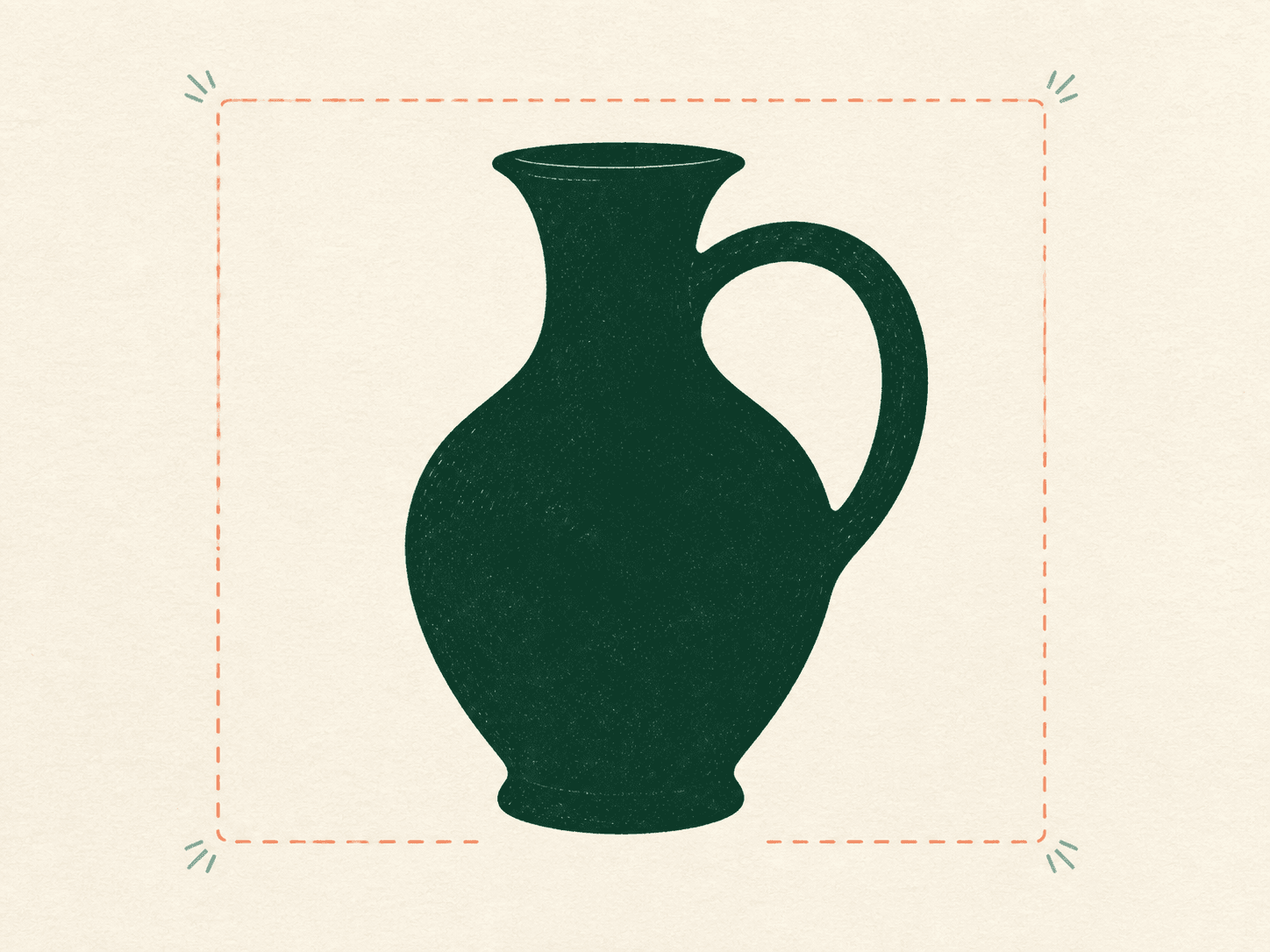
Strengthen the silhouette
At thumbnail size, you should still recognize the object. Separate arms from a torso, a handle from a vase, and legs from one another. Tangent lines and narrow gaps are easy to lose.
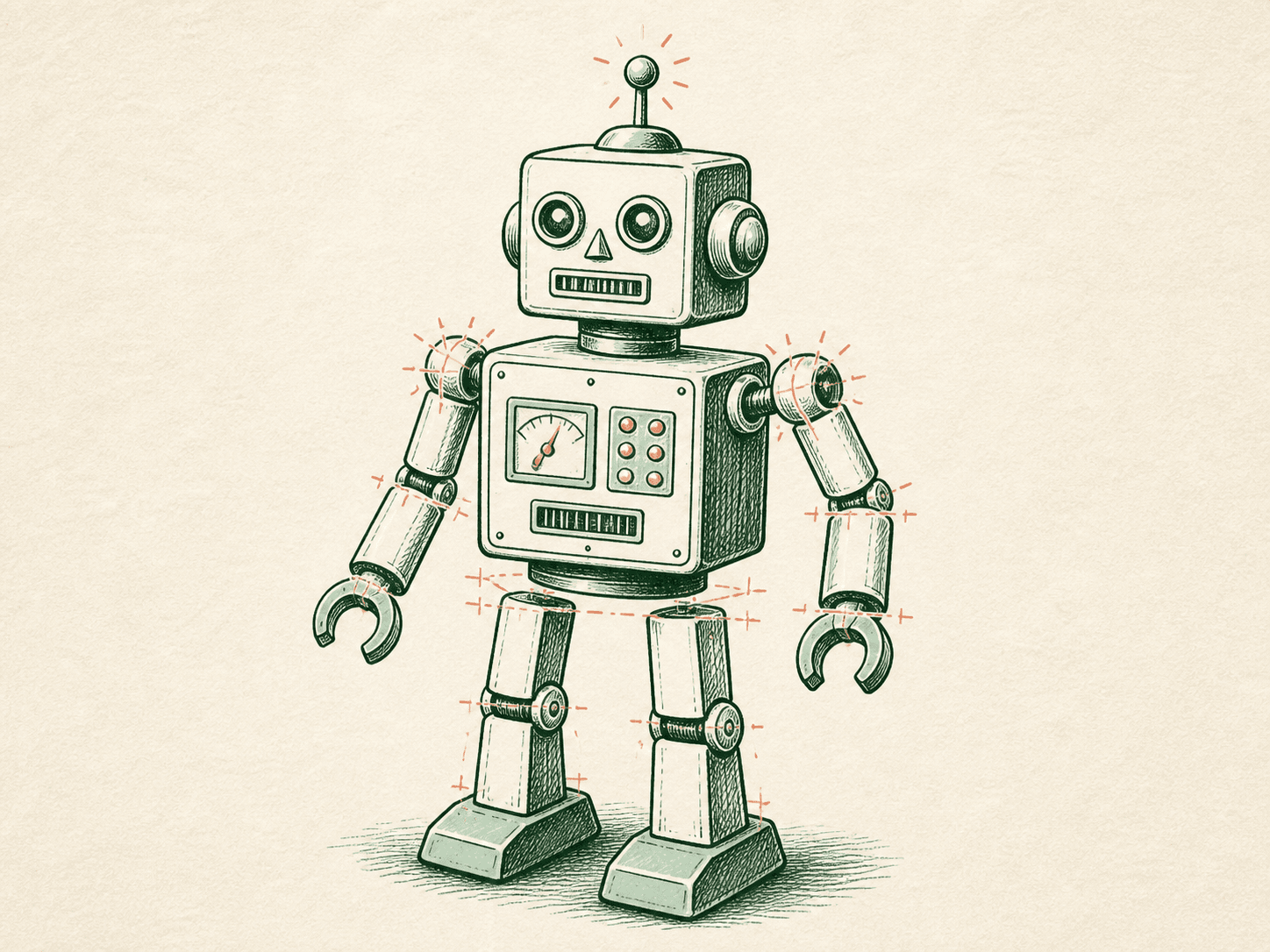
Prefer a three-quarter view
A straight front view hides depth; a perfect side view hides width. A three-quarter view supplies evidence for all three dimensions. Keep perspective believable and avoid a dramatic wide-angle distortion.
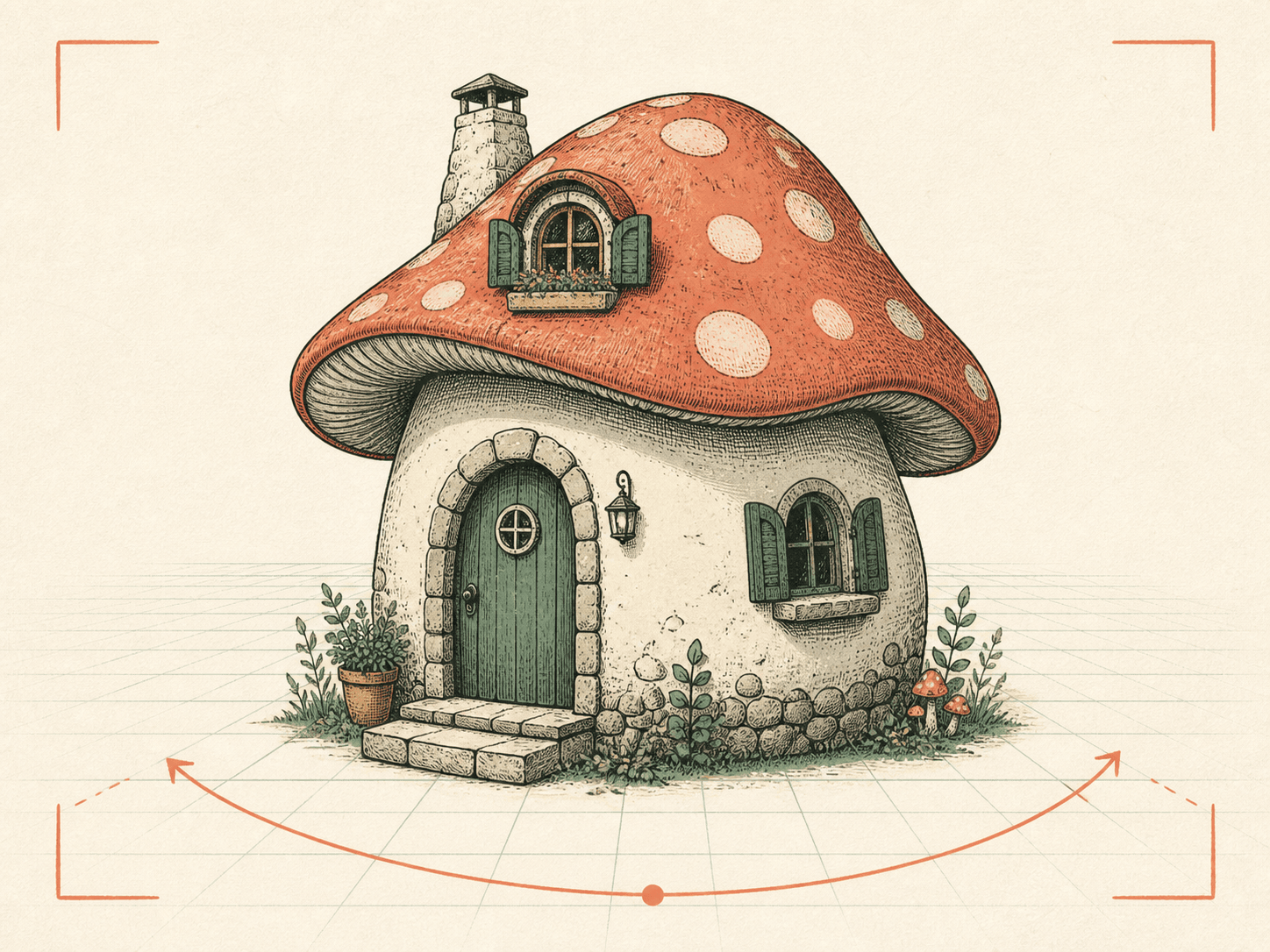
Show openings and connections
Holes, arches, handles and spaces between parts need visible negative space. Make joints understandable. When a part disappears behind another, the system has to guess where it continues.
Simplify lighting and background
Strong cast shadows can be mistaken for surface color or shape. Busy scenery can become accidental geometry. Use gentle shading to describe volume while keeping the object boundary clean.
Remove annotations
Erase measurement lines, handwritten labels, arrows, signatures and page furniture. They are useful to a human reviewer but may distract an image-based model.
Inspect the output honestly
Rotate the result. Check the back, underside, thin features and symmetry. If the geometry fails in the same place, revise the drawing to make that structure explicit before generating again.