Choose one clear subject
A strong silhouette, visible parts and a three-quarter view give the AI the clearest shape cues.
Upload a drawing and watch it become a real, downloadable 3D model. Free, no account required.
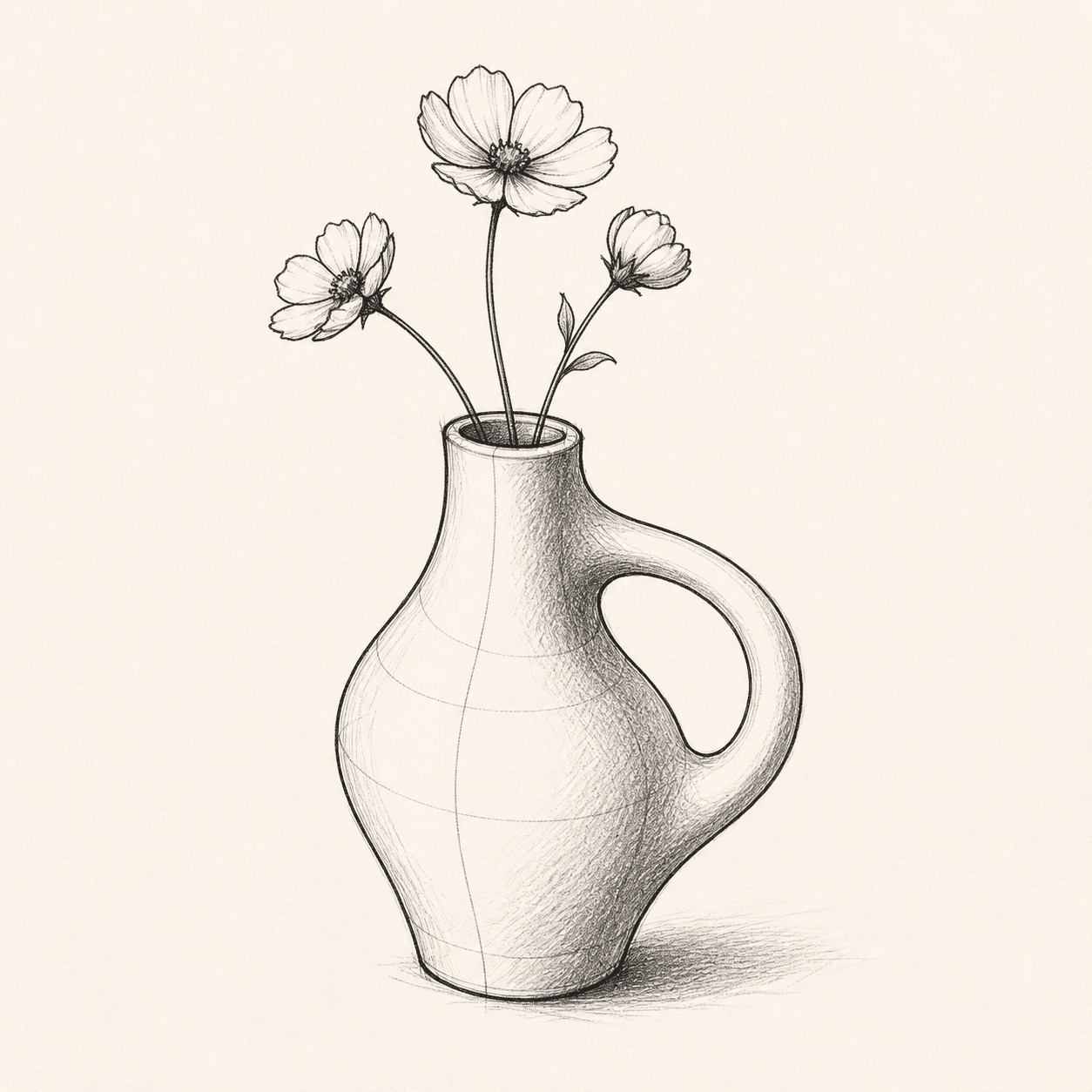
FROM LINE TO VOLUME
A strong silhouette, visible parts and a three-quarter view give the AI the clearest shape cues.
Upload your drawing once. Generation starts automatically while the lines become a complete 3D form.
Rotate and download the result, or continue by generating production-ready 8K textures.
CHOOSE THE RIGHT WORKFLOW
“Drawing to 3D” can mean two different jobs. Pick the route that matches the result you need.
Best for concept art, characters, props and rapid visual exploration. AI interprets unseen depth, so the result is creative rather than dimensionally exact.
Create real 3DBest for manufacturing, architecture and parts that must match measurements. Rebuild the drawing with constraints, dimensions and engineering intent.
BETTER INPUT, BETTER OUTPUT
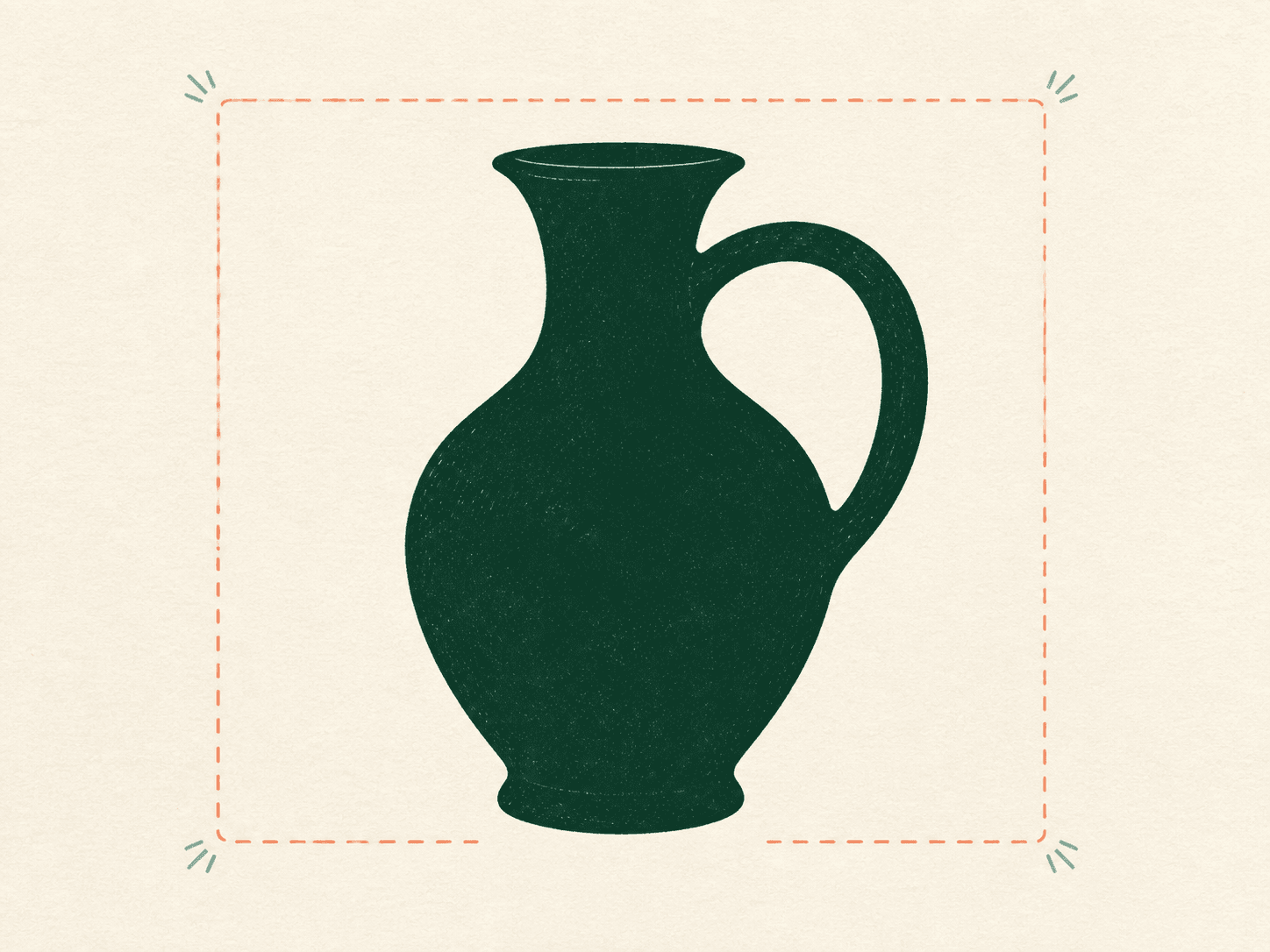
Keep the object distinct from the background and avoid cropped edges.
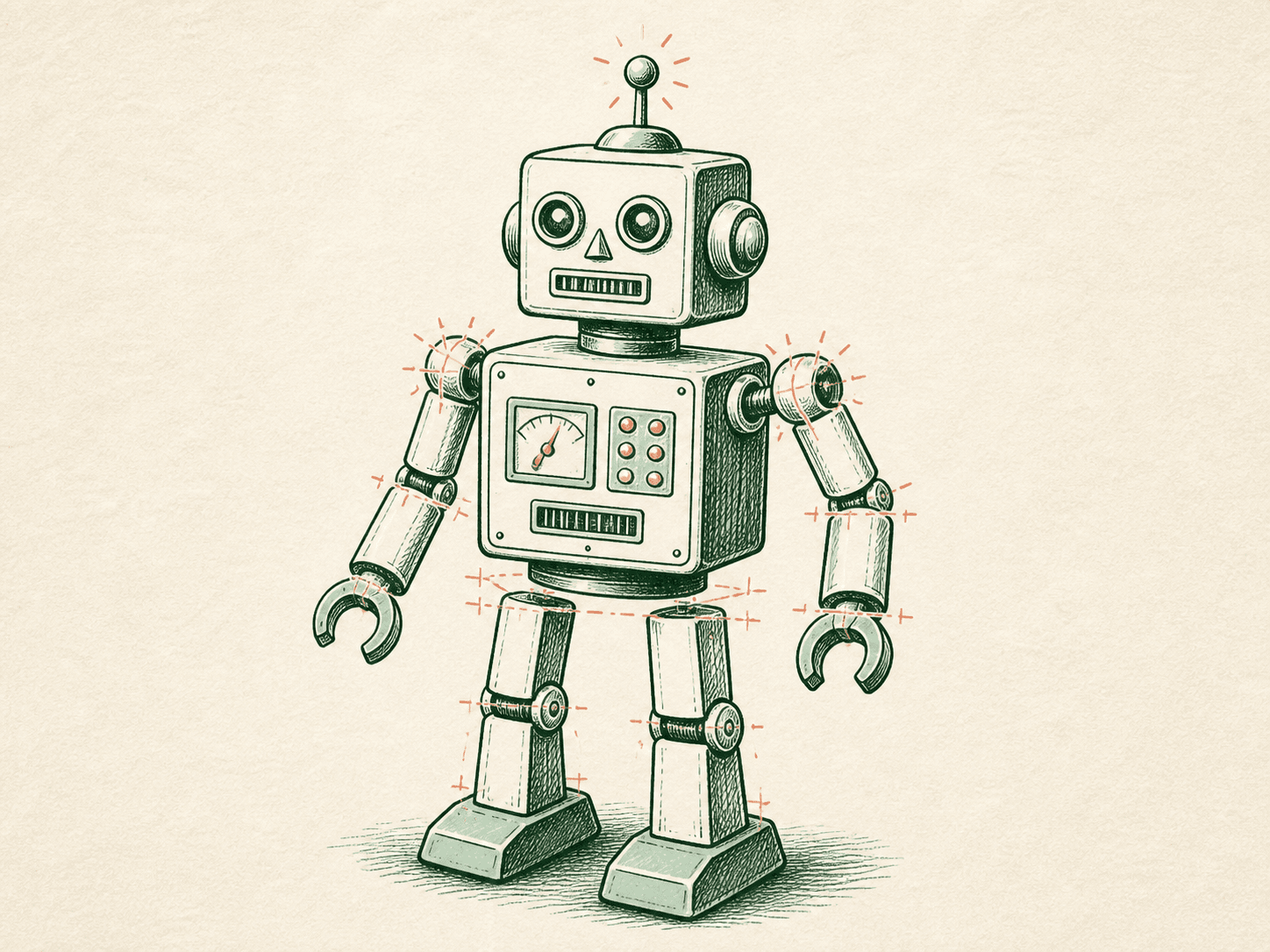
Separate handles, limbs and openings so their structure is readable.
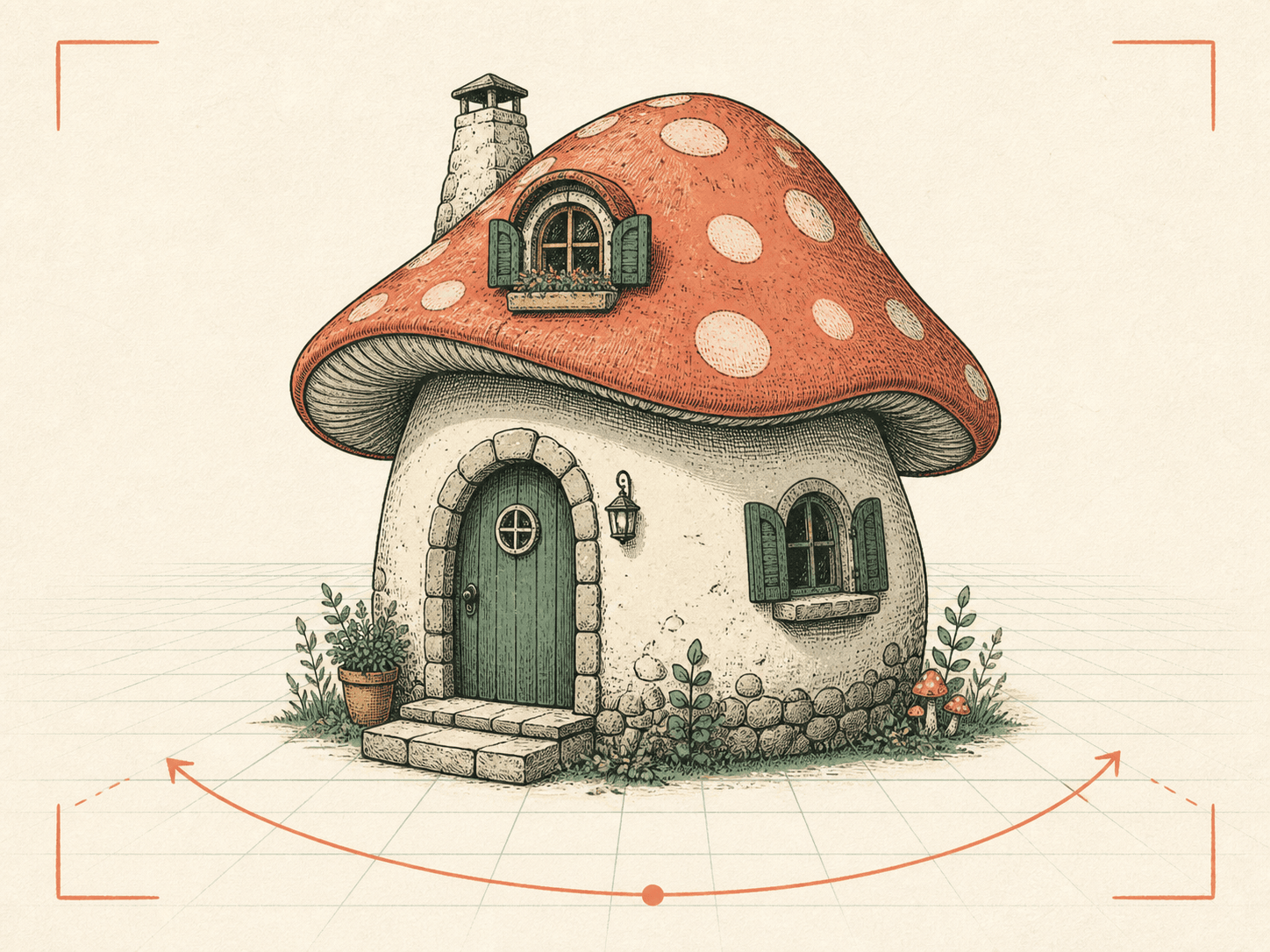
A three-quarter view communicates width, height and depth in one image.
COMMON QUESTIONS
Yes. Each anonymous device gets one free AI 3D generation per UTC day, with a site-wide safety limit of 1,000 generations per day. No account is required.
Yes. Your image is uploaded to private storage and sent to Tripo only for generation. The generation copy expires after one day by default. If you publish a share, its image follows the duration you choose.
No. AI image-to-3D is a creative reconstruction rather than engineering precision. Use CAD when exact measurements matter.
Use one clearly separated subject, a strong silhouette, visible structural parts and a three-quarter view. Avoid busy backgrounds and overlapping objects.
A successful generation can be downloaded as a 3D model. When you are ready for the next step, you can add production-ready 8K textures.
READY FOR A REAL MODEL?
Upload a sketch, generate a complete mesh, refine the texture and take it into your 3D workflow.